TL;DR

Get cleaning gear delivered free with Prime
- Fast, free delivery on millions of items
- Prime Video, Amazon Music and more included
- Member-only deals all year
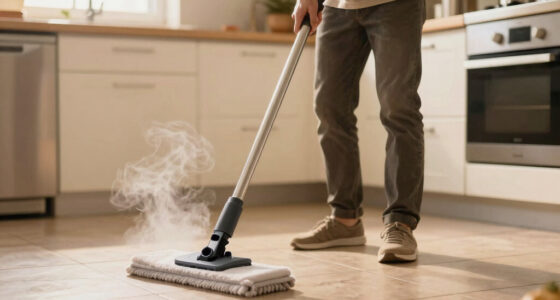
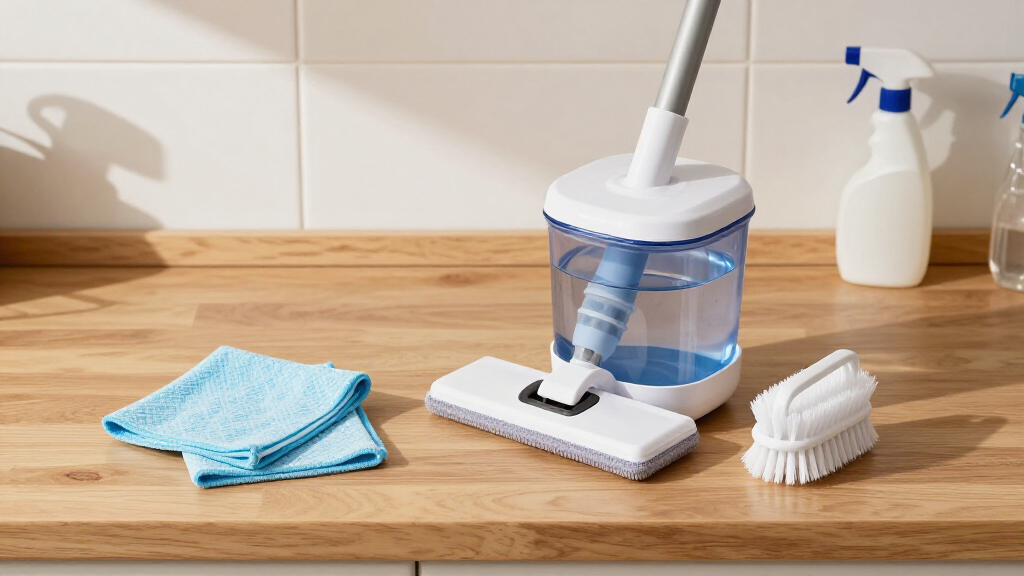
Cleaning your steam mop after every use is key to maintaining its performance. Drain residual water, wash the mop pad, check for mineral buildup, and store it properly. These steps prevent odors, clogs, and damage, extending your device’s lifespan.
Always drain the water tank after each use to prevent mineral buildup and mold.
Wash or replace the mop pad regularly to avoid bacteria and odors.
Inspect and descale the steam outlet using vinegar or descaling agents weekly.
Store your steam mop in a dry, well-ventilated area once fully dry.
Consider models with self-cleaning features to make maintenance even easier.
Why Emptying the Water Tank After Each Use Matters
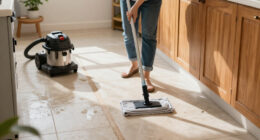
Whenever you finish mopping, water tends to linger in the tank. Leaving residual water can cause mineral deposits, mold, and unpleasant odors. By draining the tank, you prevent buildup that can clog the steam outlet or reduce steam power over time.
Think of your water tank like a small reservoir. If you leave water sitting, especially in hard water regions, mineral crystals form and stick around. This buildup can diminish steam output and even damage internal components.
For example, a friend’s steam mop started sputtering after six months because she forgot to drain the tank. A quick rinse and drain later, it worked like new.
Products Worth Considering

Dreame X60 Max Ultra Complete Robot Vacuum and Mop

Philips Hue Smart Light Starter Kit with Bridge and 4 White and Color A19 Bulbs

Dreame L50 Ultra Robot Vacuum and Mop Combo
As an affiliate, we earn on qualifying purchases.
How to Clean the Mop Pad Without Damaging It
- Remove the microfiber or cloth pad immediately after use.
- Rinse it under warm water to remove debris and dirt.
- Wash in the washing machine on a gentle cycle or hand wash with mild detergent.
- Air dry or tumble dry on low heat, avoiding high temperatures that could damage fibers.
Imagine pulling out a damp, slightly dirty pad after mopping. Washing it promptly keeps odors at bay and maintains its absorbency. Regular cleaning of the pad also prevents bacteria and mold buildup.
Checking and Removing Mineral Deposits for Peak Performance
Mineral deposits from hard water can clog your steam outlet, cutting down steam power or causing leaks. Regular inspection is key. Look for white crusty buildup near the nozzle or steam outlet.
If buildup appears, use a vinegar solution—mix equal parts vinegar and water. Run this mixture through a cleaning cycle or soak the nozzle for 10-15 minutes, then scrub gently with an old toothbrush.
Descaling is crucial because mineral deposits can insulate internal components, reducing heat transfer and steam efficiency. Ignoring buildup may lead to decreased performance, leaks, or even damage to internal parts, resulting in costly repairs or replacements. Regular maintenance with descaling solutions ensures your steam mop remains effective, saving you money and extending its lifespan.
Proper Storage Tips to Keep Your Steam Mop Fresh
Storing your steam mop properly prevents mold, odors, and electrical damage. Always let your mop dry completely before putting it away. Store in a cool, dry place, not in a damp laundry room or basement.
Imagine returning from a cleaning session and stashing your mop in a closet. If it’s still damp, mold can develop quickly. Wiping it down with a dry cloth and letting it air dry first is best.
Some models come with a storage stand or hooks—use these to keep your mop upright and allow air circulation. Proper storage not only preserves the mop’s functionality but also keeps your cleaning space safe and odor-free, preventing long-term issues like mold growth or electrical faults caused by moisture buildup.
Recent Tech That Makes Maintenance Easier
Modern steam mops now include features like automatic descaling, self-cleaning cycles, and corrosion-resistant materials. These innovations cut down on manual cleaning and extend the device’s lifespan.
For example, some models run a quick self-clean cycle after every use, flushing out mineral deposits automatically. Others use advanced filters that trap minerals before they reach the steam outlet.
Using these features can save you time and effort, especially if you live in a hard water area. They are designed to reduce the need for frequent manual descaling, thereby maintaining peak performance and avoiding costly repairs. Investing in such technology can be a wise choice for long-term maintenance and peace of mind.