TL;DR

Get cleaning gear delivered free — and shop member deals
- Fast, free delivery on millions of items
- Access to Prime Big Deal Days deals on October 6–7
- Prime Video, Amazon Music and more included
Steam mop settings control how much steam is released, affecting cleaning power and surface safety. Knowing which setting to use helps you clean more effectively and avoid damage, especially on delicate floors.
Ever wonder what those different steam levels on your mop actually do? Or whether you should crank it all the way up for your hardwood floors? The truth is, understanding your steam mop’s settings can save you time, protect your surfaces, and make cleaning easier. No more guesswork—just simple, effective choices.
This guide breaks down what each steam level does, how to pick the right one, and how recent tech advancements make it even easier to clean smarter. By the end, you’ll know exactly how to match your cleaning task with the perfect steam setting.
Always match the steam level to your surface and dirt level for best results.
Start with the lowest setting, especially on delicate floors, and increase as needed.
Modern steam mops with smart controls make adjusting settings easier and safer.
Test in a hidden spot before using high steam on your entire floor.
Higher isn’t always better—use the right setting to avoid damage and conserve water.
What do the different steam levels actually do?
Steam mop models typically offer low, medium, and high settings. Think of these as your mop’s volume knob—controlling how much steam is emitted. At low, the steam is gentle, perfect for delicate floors like hardwood or laminate. Medium strikes a balance, tackling everyday dirt and grime. High cranks up the power, blasting away stubborn stains or heavily soiled tile grout.
Understanding this helps you avoid common pitfalls. For instance, using high steam on delicate hardwood can cause warping or water damage, which might not be immediately obvious but can ruin your floors over time. Conversely, using too low steam on tough stains may result in ineffective cleaning, leading you to scrub harder or repeat the process unnecessarily. The key is recognizing that each level has tradeoffs: too little may leave dirt behind, while too much risks damage. By matching the setting to the task, you optimize cleaning while protecting your surfaces and conserving water and energy.
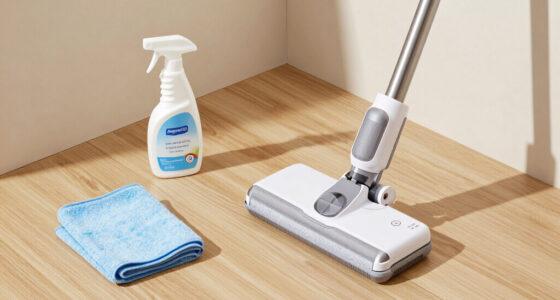
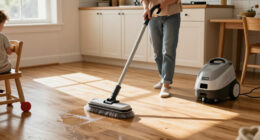
steam mop with adjustable settings
As an affiliate, we earn on qualifying purchases.
As an affiliate, we earn on qualifying purchases.
How to pick the right steam setting for your floors
- Identify your surface type—hardwood, laminate, tile, vinyl, or stone. Each material has different tolerances for moisture and heat, influencing which steam level is safe.
- Assess the dirt level—light dust, everyday grime, or stubborn stains. Heavier dirt generally requires more power, but this can come with increased risk of damage.
- Start with the lowest setting—test in a hidden corner first. This cautious approach helps you gauge how your floor reacts without risking visible damage.
- Increase to medium for routine cleaning, or high for tough spots, but always observe the surface during cleaning. If you notice warping, discoloration, or excessive moisture, revert to a gentler setting.
- Adjust as needed during cleaning, based on results. Flexibility is key to prevent surface damage and achieve optimal cleanliness.
Choosing the correct setting isn’t just about immediate cleaning; it’s about long-term floor health. Using too high a steam level on a delicate surface repeatedly can cause cumulative damage, such as warping or discoloration, which may not be apparent right away. Conversely, consistently using too low steam on stubborn stains may lead to frustration, prompting you to scrub harder and risking surface wear. Therefore, understanding the implications of each setting helps you make smarter choices—balancing effective cleaning with preservation of your floors’ integrity over time.
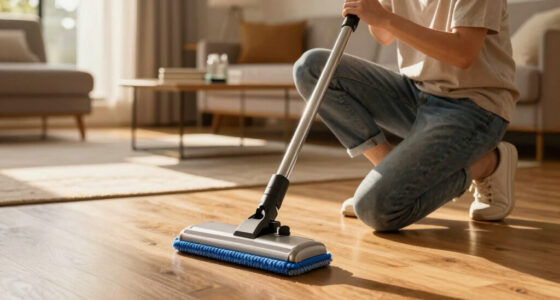
best steam mop for hardwood floors
As an affiliate, we earn on qualifying purchases.
As an affiliate, we earn on qualifying purchases.
Comparison table: Low, Medium, and High steam settings
| Setting | Best For | Steam Output | Surface Safety |
|---|---|---|---|
| Low | Hardwood, laminate, delicate floors | Gentle, minimal | High – safe for delicate surfaces; minimizes risk of warping or water damage |
| Medium | Daily cleaning, moderate grime | Moderate | Good for most surfaces; monitor for signs of warping on hardwood or excessive moisture on sensitive materials |
| High | Stubborn stains, heavy dirt, grout | Strong, powerful | Use cautiously on delicate surfaces; increased risk of warping, discoloration, or moisture damage if misused |
This table helps you see at a glance which setting suits your task. Remember: always check your floor’s manufacturer advice before using high heat or steam, as some surfaces are more vulnerable than others. Making informed choices here can prevent costly damage and extend the life of your flooring.
As an affiliate, we earn on qualifying purchases.
Recent tech features making steam control easier
Newer steam mops now come with smart features that take the guesswork out of choosing settings. Some connect to smartphone apps, letting you adjust steam levels remotely, monitor water levels, or get alerts for maintenance. Imagine walking into your kitchen, opening an app, and selecting the perfect steam setting—no manual dials needed.
Other models have sensors that detect surface type and automatically adjust steam output. Plus, eco-friendly designs reduce energy use while still tackling dirt effectively. These advances mean you don’t have to be a cleaning expert—just press a button or let your mop do the thinking. They also help prevent user error, which can lead to damage or inefficient cleaning, by providing consistent, appropriate steam levels based on real-time conditions.
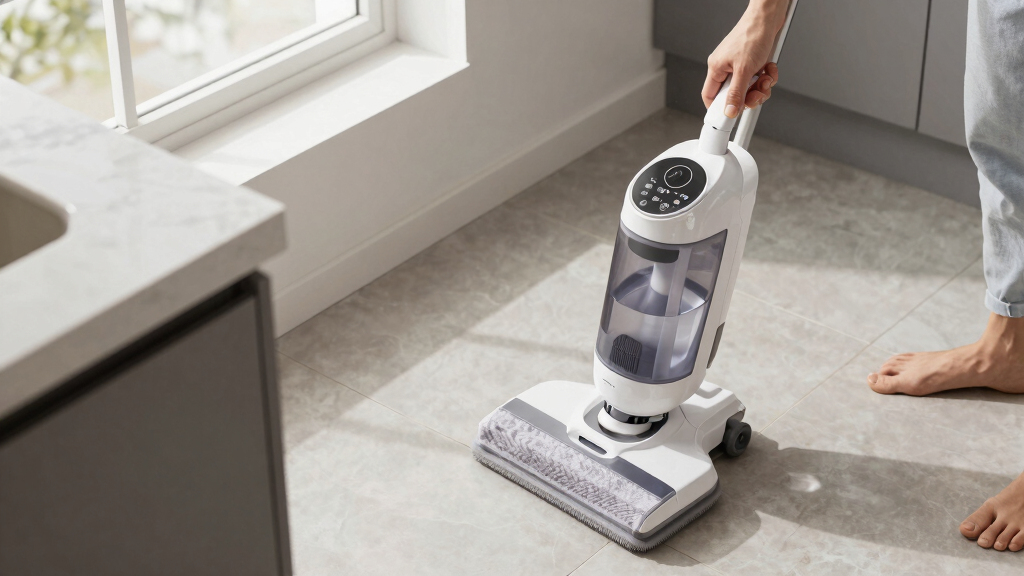
smart steam mop with digital controls
As an affiliate, we earn on qualifying purchases.
As an affiliate, we earn on qualifying purchases.
Safety tips for using steam mop settings
Always follow your manufacturer’s guidance for steam levels—too much steam can damage delicate floors or cause warping. Test a small hidden area first, especially if you’re unsure about your surface’s tolerance.
Keep a cautious eye on how the floor reacts during cleaning. If you notice excessive moisture or warping, lower the steam or switch to a gentler setting. Remember, safety isn’t just about avoiding injury—it’s about protecting your floors too. Using the wrong setting can lead to long-term damage that isn’t immediately visible, such as warping or discoloration, which can be costly to repair.
And never leave the steam mop unattended while on high or in use. Regularly refill water tanks to maintain consistent steam flow and prevent overheating, which can also cause safety hazards or damage to the device and surfaces.
Frequently Asked Questions
Can I use high steam on delicate hardwood floors?
It’s best to avoid high steam on delicate hardwood floors. Use the lowest setting and test first. Excessive steam can cause warping or damage over time.
How do I know if my steam mop’s settings are working correctly?
Check for a steady stream of steam matching the selected level. If you see inconsistent output or no steam at all, consult your manual or contact the manufacturer for troubleshooting tips.
Are there risks to using too high a steam setting?
Yes. High steam can damage sensitive surfaces, cause warping, or leave excess moisture that promotes mold. Always choose the lowest effective setting for your floor type.
What’s the best way to test a new setting?
Pick a hidden corner or less-visible area. Run the mop on low or medium first, then examine the surface closely. Adjust the setting if you notice any damage or excess moisture.
Can smart steam mop controls replace manual adjustments?
They can make choosing the right setting easier and more precise. However, always verify the surface response and adjust manually if needed for delicate floors.
Conclusion
Knowing your steam mop’s settings turns a basic cleaning tool into a precision instrument. When you match the right level to the task, you clean more effectively while protecting your floors. The next time you start mopping, think of it as a simple conversation—your mop and you working together, not against each other.
Keep it smart, keep it safe, and your floors will thank you for it.
Halloween Picks
halloween
As an affiliate, we earn on qualifying purchases.